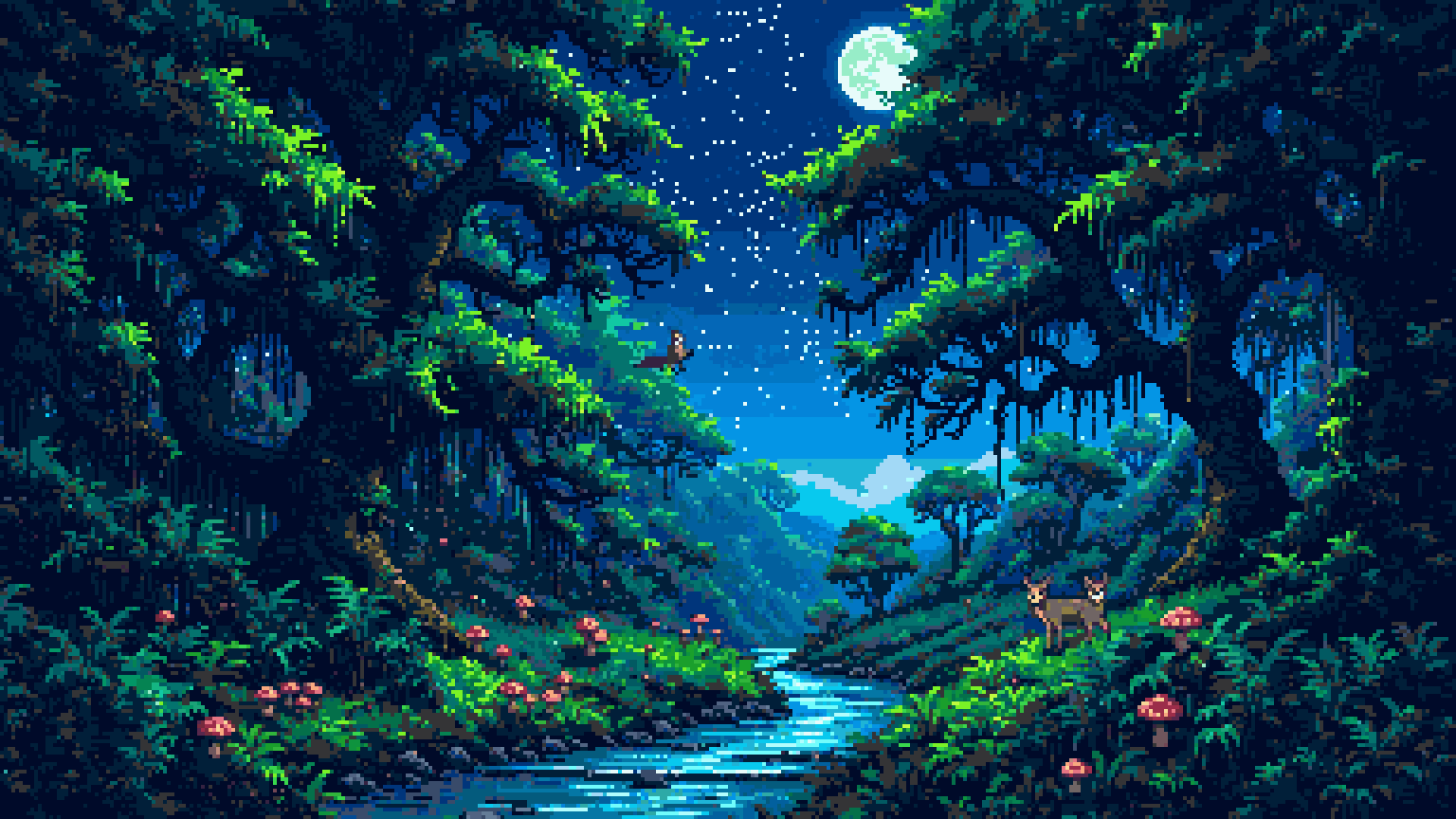
Draw, Generate & Animate Pixel Art — All in One PlaceA free online pixel art maker with a pro-grade editor, AI sprite generation, animation, and image-to-pixel-art conversion. In your browser, even offline.
A Real Pixel Art Editor, Not a Toy
Layers · Palettes · Selection Tools · 100-Step Undo
Everything a pixel artist expects, running instantly in your browser. Draw on canvases up to 1024×1024 on a custom engine that stays smooth as your art grows — then export as PNG, animated GIF, or native Aseprite files.
- Up to 150 layers with visibility and lock toggles
- Custom palettes — build them, load .hex/.gpl files, or extract from your canvas
- Offline-first: every stroke saves locally, syncs to the cloud when you're back
- Imports .aseprite, .pixelz, and JSON projects
Type a Prompt. Get a Sprite.
Purpose-Built AI Models — Real Pixel Art, Not Blurry Upscales
Describe what you want, pick a type, and generate up to 8 variants per request in the editor's AI panel. Every result lands as an editable layer, so AI is your starting point, never your ceiling.
- PixelZ Core v1, our own pixel-art model, right in the editor — create, edit, or draw in a reference's style
- Generate into any region of your canvas with the AI Area tool
- Reference images guide composition and palette
- You own everything you generate — commercial use included
Bring Your Sprites to Life
Frame-by-Frame Timeline · Onion Skinning · GIF Export
Animate on a proper timeline with onion skinning, per-frame layers, and instant loop preview. Or hand a still sprite to AI, describe the motion, and refine the generated frames by hand. Export the finished loop as a GIF in one click.
- Duplicate, reorder, and scrub frames on the timeline
- Onion skinning shows ghosted neighboring frames
- AI animation generates in-betweens from a single sprite
- Export animated GIF with transparency, or a numbered PNG sequence
Turn Any Image into Pixel Art
Upload · Pixelate · Reduce Colors · Remove Background
Drop in a photo, logo, or render and PixelZ converts it into clean pixel art — automatic grid detection, a color-count slider for real palette reduction, and a magnifier compare view. Then polish the result in the editor.
- Automatic pixel-grid detection for existing pixel art
- Palette reduction keeps sprites readable — 8 to 64 colors
- Accepts PNG, JPEG, WebP — even GIF
- Drag the result onto any canvas to keep editing it as a layer
Pixel Art Is Now 3D
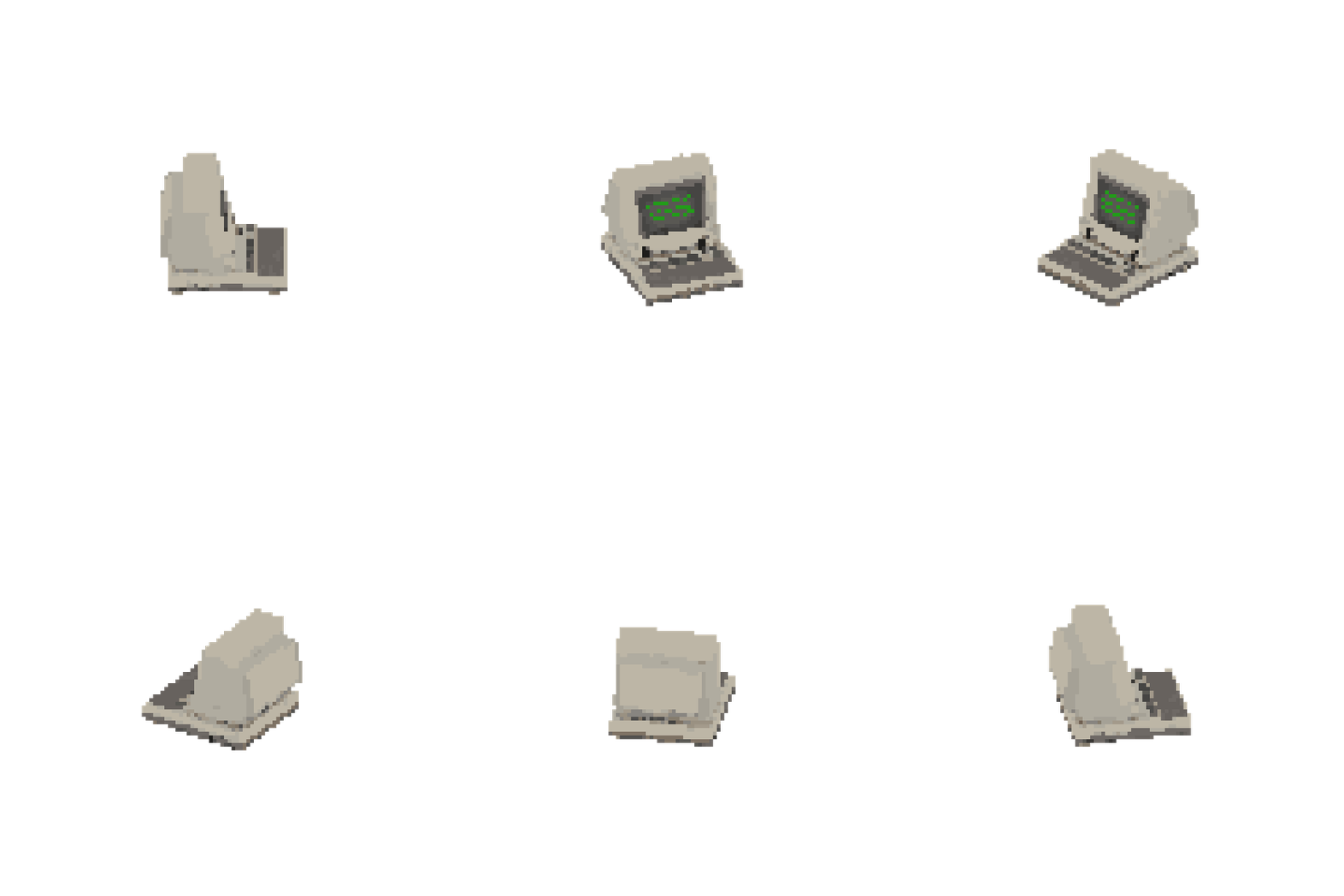
Draw orthographic views of an object — front, side, top, up to six — and PixelZ builds a voxel model you can rotate and edit in 3D. Export 8- or 16-direction turnaround spritesheets, a 360° rotation GIF, or an OBJ model for Unity, Godot, and Blender. The 3D editor is currently in beta.
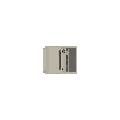
2D views in — spinning voxel model out
Help Build the PixelZ Community
The Discord just opened — join early, share your sprites, and help decide where PixelZ goes.
- Talk directly to the developer
- Shape what gets built next
- Try new tools first
The Details That Make It a Pro Tool
The polish you only notice when it's missing — fast, safe, and organized by default.
Let Your AI Agent Draw the Sprites
Plug PixelZ into Claude Code, Cursor or Codex over MCP and ask for game art in plain words — or call the REST API from your own pipeline. Same models, same credits, files land right in your project.
generate_image— Sprites from a promptanimate_sprite— Walk, idle, attack loopspixelize_image— Any image to pixel artremove_background— Clean transparencyrender_effect— Explosions, magic, smoke
Free to try · works with Claude Code, Codex, Cursor, VS Code, Claude Desktop
From Idea to Sprite in Three Steps
- 1
Open the Editor
Open the editor in your browser — no account, no credit card — and land in a full workspace with layers, tools, and palettes.
- 2
Draw or Generate with AI
Draw by hand with pencil, bucket, and lasso — or describe a sprite and let AI generate it.
- 3
Export and Share
Save as PNG, animated GIF, or Aseprite, and post finished art to the community gallery.
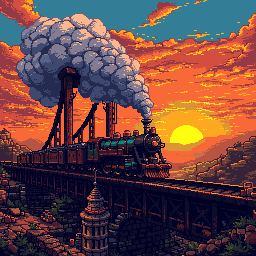
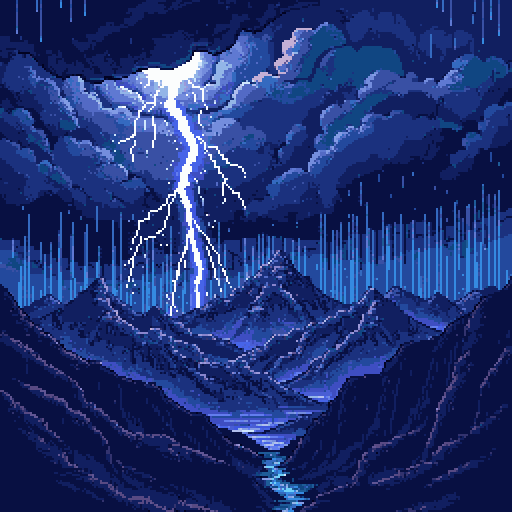
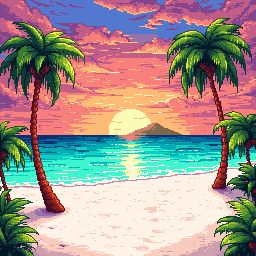
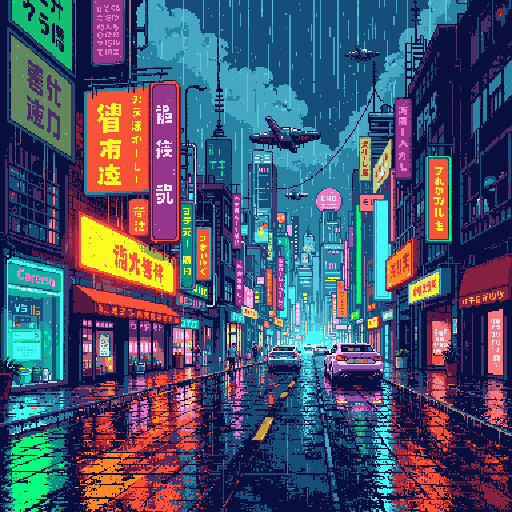
Made with PixelZ
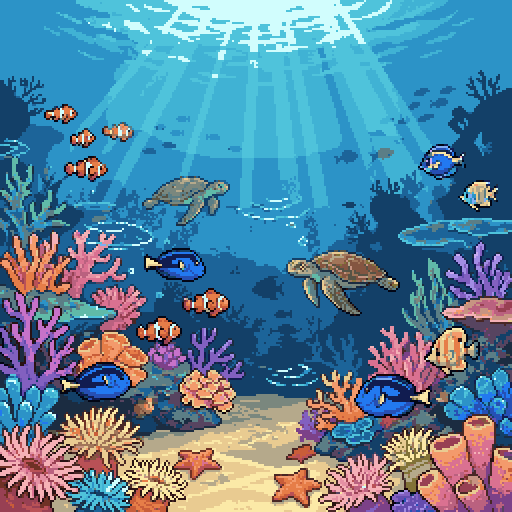
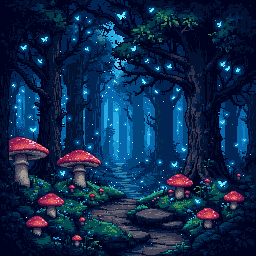
Hand-drawn, AI-generated, and everything in between — made by the PixelZ community.
Learn Pixel Art
Practical, no-fluff guides — from your first sprite to walk cycles and AI prompts.
Pixel Art VFX in Your Game with an AI Agent
Free pixel art effects for your game. Add them with Claude Code or Codex, fit them to your sprite, and make your own with Opus 5.5.
4 min readHow to Make Your First Pixel Art
From a blank canvas to a finished sprite in the PixelZ editor: canvas size, palette, the four tools you need, outlines, and shading.
10 min readHow to Generate Pixel Art That's Actually Usable
Real prompts, real results: the Type, the prompt structure, variants, and references that turn AI output into sprites you can use in a game.
5 min readQuestions, Answered
Upgrade When Ready.
Start free. Unlock more power as you grow.
The full editor is free.
Every drawing tool, animations, layers, and AI generation. No credit card. Sign up takes ten seconds.
- 9 credits per month
- Up to 20 projects
- Cloud saving & sync
Need more credits? Paid plans below.
Starter
Great for hobby pixel artists
- 220 credits per month
- Up to 50 projects
- Cloud saving & sync
- All editor tools
Pro
For power users and creators
- 600 credits per month
- Unlimited projects
- Cloud saving & sync
- All editor tools
Max
High-volume production tier
- 1300 credits per month
- Unlimited projects
- Cloud saving & sync
- Priority support
- All editor tools
Your Next Sprite Is One Prompt Away.
No account needed · 9 AI credits/month on the free plan