AI tools
Pixelate
Turn AI renders that only look like pixel art, upscaled sprites or photos into real pixel art in your browser, free and without uploading.
The Pixelate page turns an image into real pixel art, right in your browser — free, no sign-up, nothing is uploaded. Drop a PNG, JPEG, WebP or GIF up to 10 MB, keep the color count on Auto or pick your own, and download the PNG.
Most AI "pixel art" only looks like it. Below, Nano Banana 2 drew a pixel art landscape: from afar it reads as pixels, but up close the blocks are uneven, blurred and made of thousands of colors. Pixelate finds the grid the picture was meant to have and snaps it to real pixels.
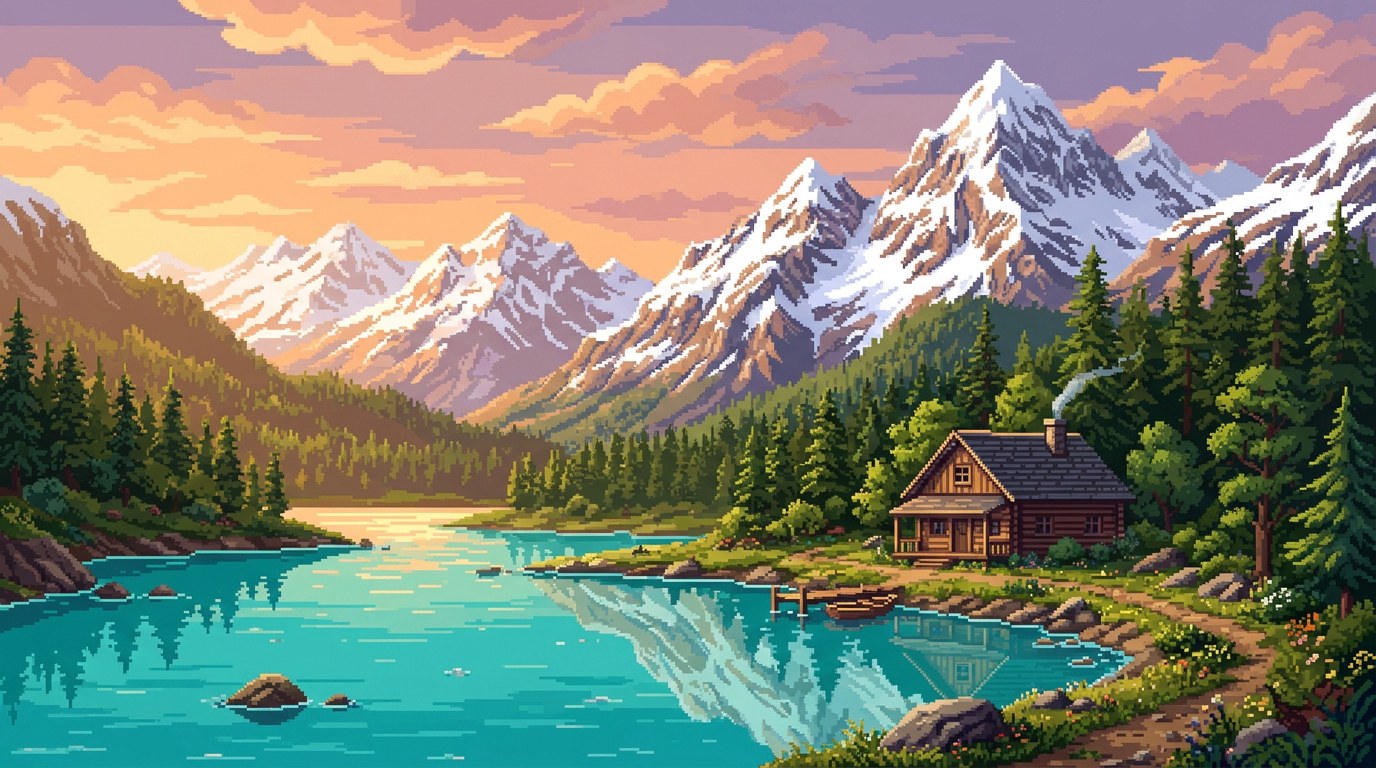
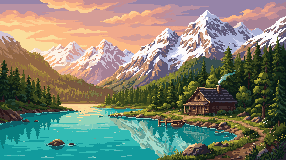
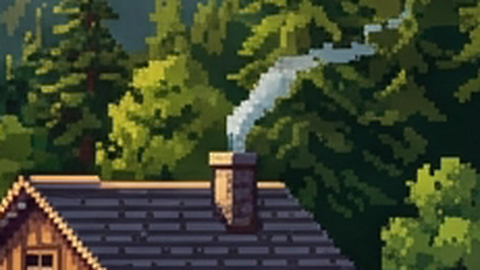

What changes
| AI render | Pixelated | |
|---|---|---|
| Size | 1376 × 768 | 286 × 160 — one pixel per art pixel |
| Colors | 216,249 | 64 (Auto) |
| Pixels | uneven blocks with soft edges | a clean grid of flat pixels |
| Scaled up | blurs | stays crisp at 2×, 4×, 8× |
What it is for
- AI renders from any model, turned into pixel art a game can use: true size, a small palette, no blur.
- Upscaled pixel art (a screenshot, a 4× export) snapped back to its real size.
- Photos and concept art as a starting point for backgrounds.
- Editing. The result is at its own pixel size, so you can open it in the editor and fix single pixels.
Tip: Auto picks the color count from the image. For a more hand-made look, try 16–32 colors and compare.